
Your shopping cart is empty!
Categories
- 3D Printing and Plastic peripherals (8)
- 433Mhz and Lora (8)
- Support (2)
-
Amateur Radio (665)
- - Antenna Analyzer (12)
- - APRS (12)
- - ATU (5)
- - CW (1)
- - Digital Modes (9)
- - DMR (4)
- - Echolink (10)
- - Enclosure (14)
- - Eshail-2 (QO-100) (67)
- - GPS (9)
- - iGate (1)
- - Microcontrollers (43)
- - Microphone (1)
- - Power Supply (7)
- - Programming Cable (6)
- - QRP (9)
- - Radio interface (25)
- - Receiver (11)
- - Repeater (4)
- - RF Amplifiers (20)
- - RF Kits (20)
- - RF modules (118)
- - Rotator (1)
- - SDR (77)
- - Spectrum Analyzer (4)
- - SWR (9)
- - Transceiver (60)
- - WSPR (5)
- Antennas and Acc (322)
- Audio and Video (28)
- Aviation (4)
- Bargain Box (1)
- Battery (3)
- Bluetooth (11)
- Cables (37)
- Computer Peripherals (104)
- Connectors (93)
- Data acquisition (1)
- Display (2)
- Electromechanical (26)
- Enclosure (13)
- GPS (7)
- Hardware (4)
- Home Automation (128)
- Inverter (9)
- Liquid (7)
- Lora (8)
- Microcontrollers (121)
- Modbus (3)
- MQTT (14)
- Network Radio (3)
- Networking (9)
- Power (135)
- Power supply (49)
- Radio Interface (17)
- RF Modules (144)
- ROIP (6)
- Satellite (95)
- Security (13)
- Sensor (17)
- Solar (14)
- Test and Measurements (66)
- Tools and Equipment (8)
- Tracking (4)
- VOIP (14)
- Weather (1)
GROIP1 Radio interface with build interface for Mumble Gateway
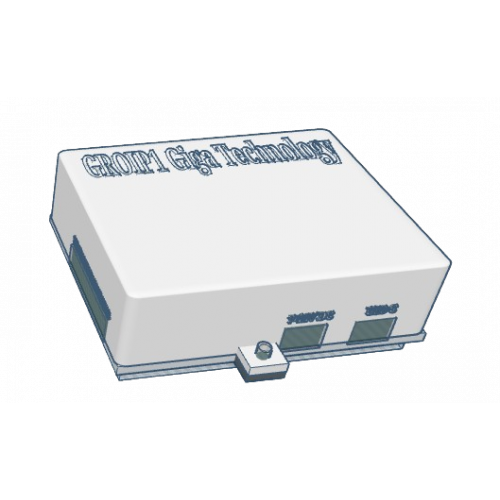



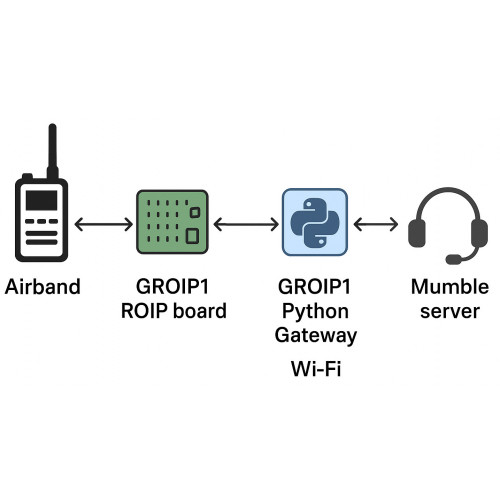



Product Code: GROIP1
Availability: 8
Availability: 8
Price: R2,084.89
Ex Tax: R1,812.95
Ex Tax: R1,812.95
Qty:
- OR -
Add to Wish List
Add to Compare
Add to Compare

GROIP is a radio interface that conects to the internet allow remote motoring and transmition of Trancevers.

Functional view
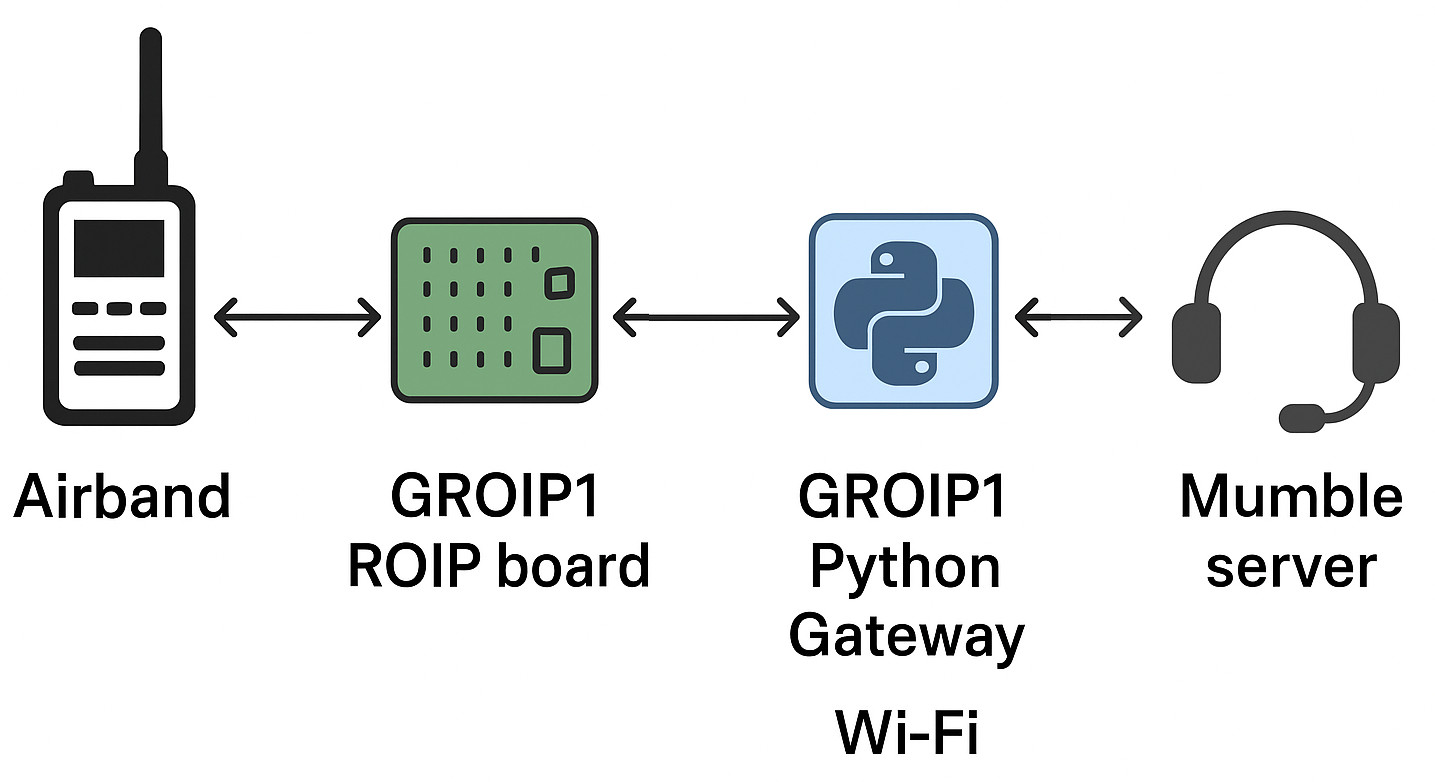
Functionality
- WIFI connection to the Internet via Local hotspot web interface and remote configuration from internet is possible.
- The sytem can trigger PTT automatically based on the VOX level setting when voice audio is received from Mumble Voice server.
- The Build-in squelce capabilities can aslo be configured for reception trigger of voice from radio to Mumble server.
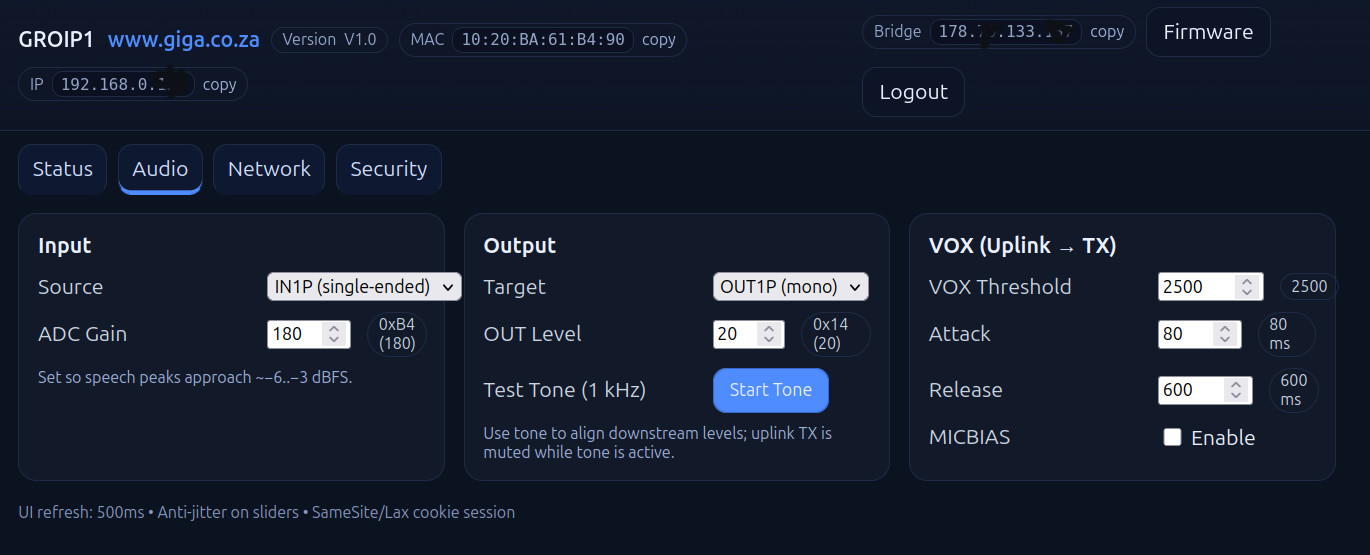
- Mic and external Speaker audio levels can be configured with the web interface remotely.
- Emphasis and de-emphasis can be configured by changing Jumpers on the Interface Board.
- The unit can be powerd by USB-C or 7 to 13 volt power connector.
- The unit is extremly low power and is ideal for solar panel installations.
Applications
1) Drone remote AIR band anouncing using Mumble APP or Mobile application to communicate to Airband Radio on remote site.
2) Remote Hamradio basestation interface.
3) Repeater Connect Via Mobile or Desktop application.
4) Is compatible with Mumble server allowing mobile aplication to comunicate to GROIP via Mumble server.
5) Airport Aviation to remote site.
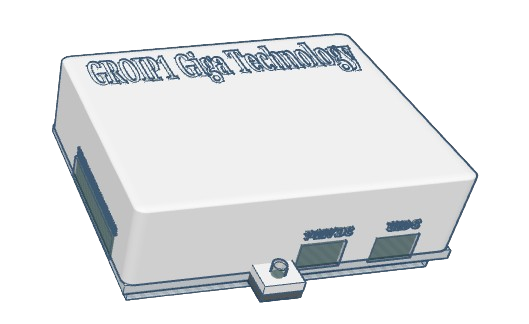
Hardware
Groip1 unit.
Radio interface wiering diagram
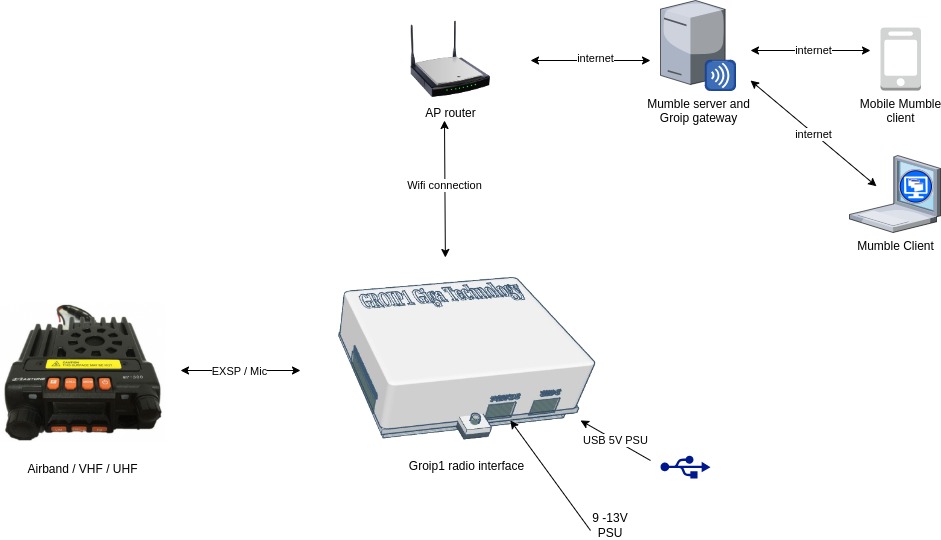
Connection details.
1) Trancever exsternal speacker to Groip
2) Trancever MIC and PTT from GROIP
3) ower supply to GROIP USB or 9-13V DC
1) Connect to Groip WIFI
2) Login into browser to ip Http://192.168.4.1 Groip admin url
3) Enter your Wifi Connection credentials
4) Groip will now connect to your Wifi
5) Then Connect to your Groip IP admin IP address.
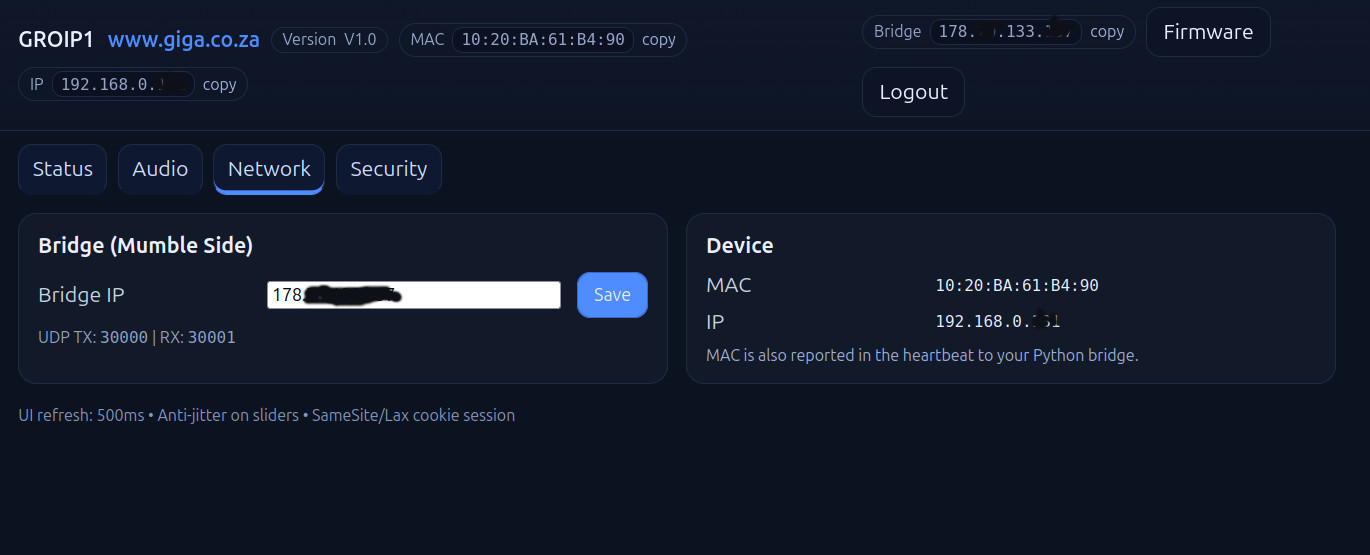
6) administrate the Mumble and Groip gateway IP details
7) setup your audio levels in the Groip admin screen to set up audio levels for mic input and external speaker output configuration.
8) 1 Khz tone can be enabled for TX to set modelation levels by adjusting audio levels.
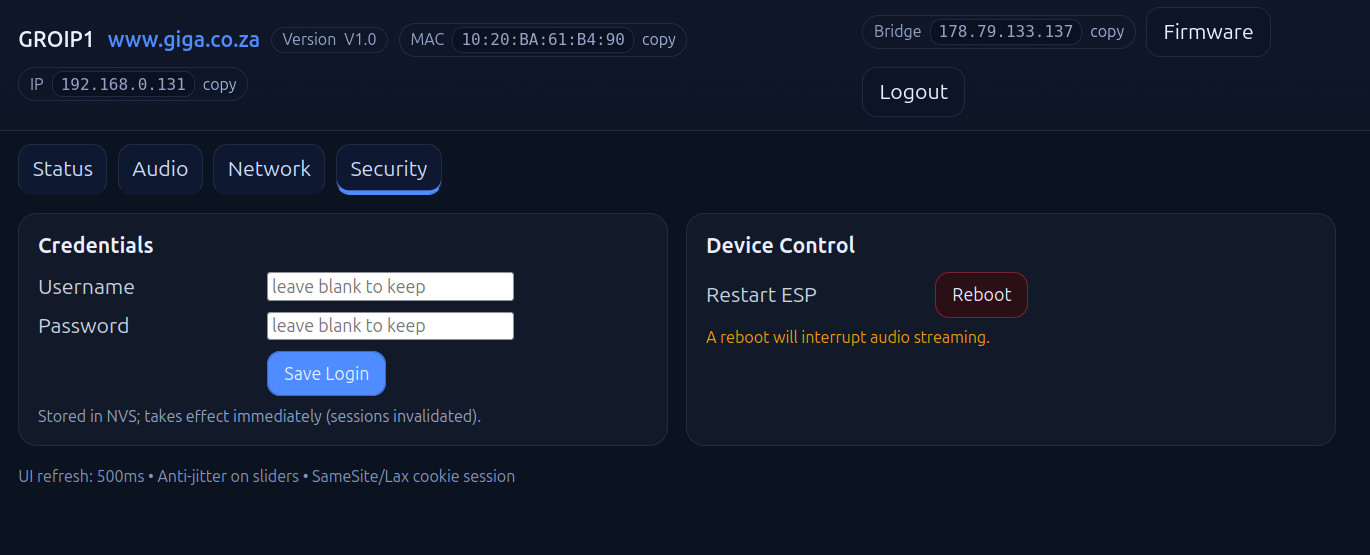
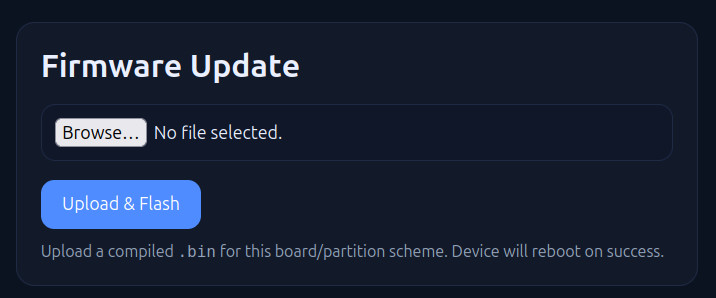
Groip Admin Screens
Security
Audio Settings
Network settings
Status
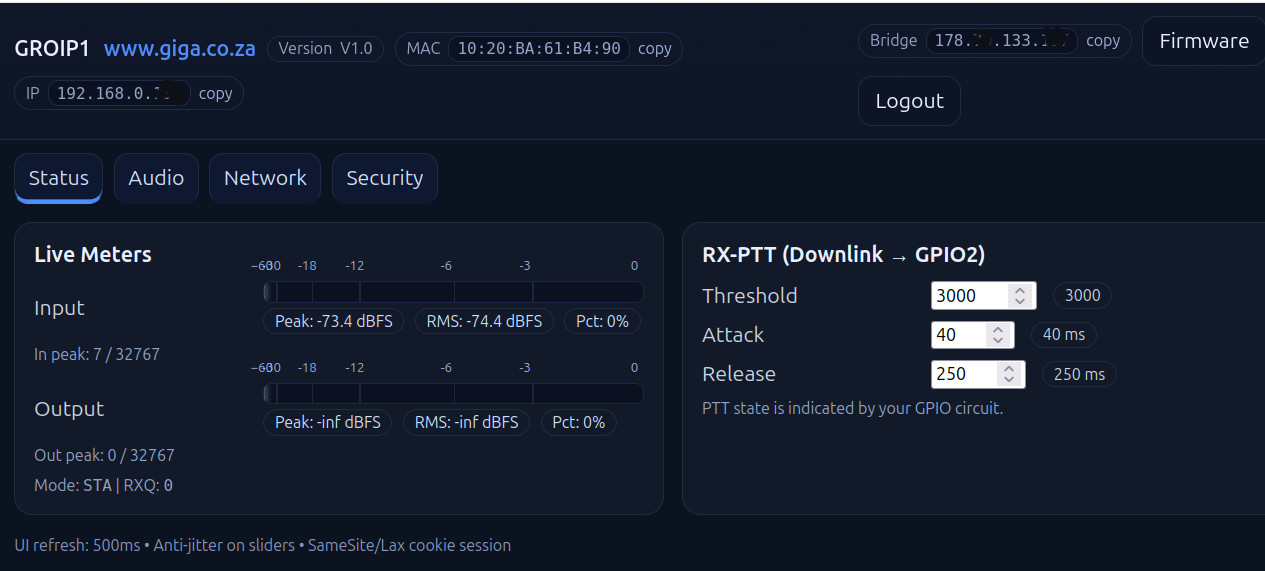
Fermware
Connection To radio



Write a review
Your Name:Your Review: Note: HTML is not translated!
Rating: Bad Good
Enter the code in the box below:
Powered By OpenCart
Giga Technology © 2026
Giga Technology © 2026